Photo to MetaHuman · web app, AI agent or API
Create a MetaHuman from a photo.
Send one to fifteen photos of a person. Usually 10–20 minutes later you have their head on MetaHuman topology, with their own skin at 4K, the grooms to pick, a neck that fits and 52 ARKit shapes, plus a ZIP that MetaHuman Creator conforms to in one step.
Free Sign up free and download 20 high-quality MetaHuman sample heads: 4K skin, 52 ARKit shapes, GLB/FBX/MetaHuman ZIP.
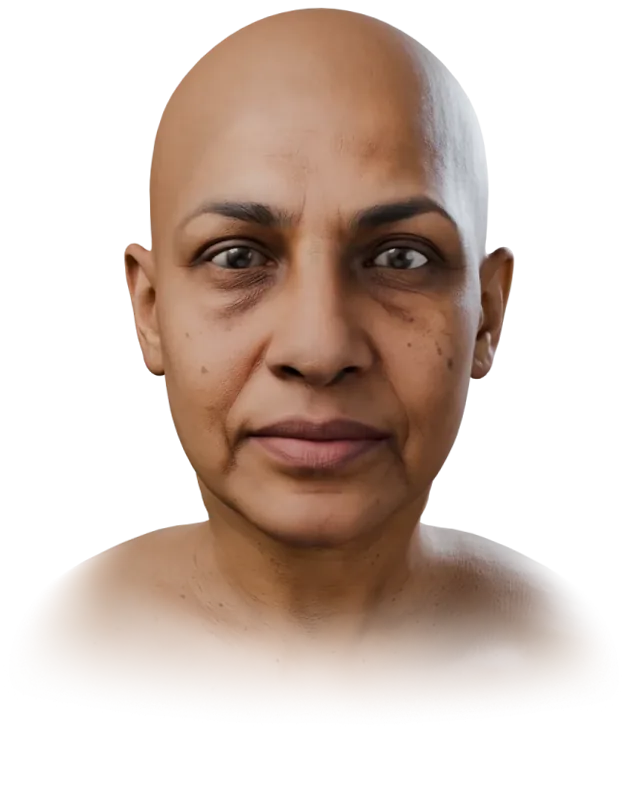
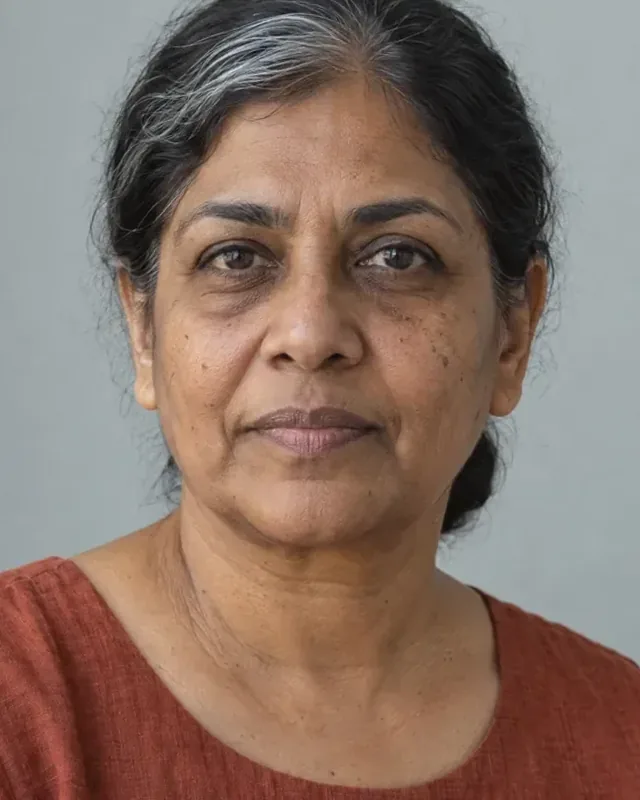
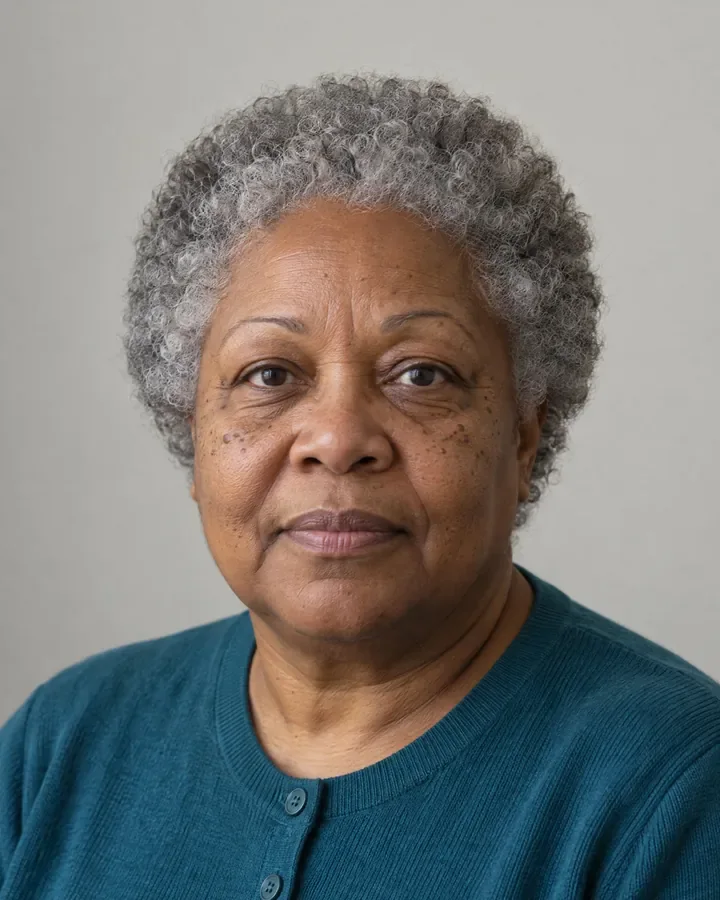
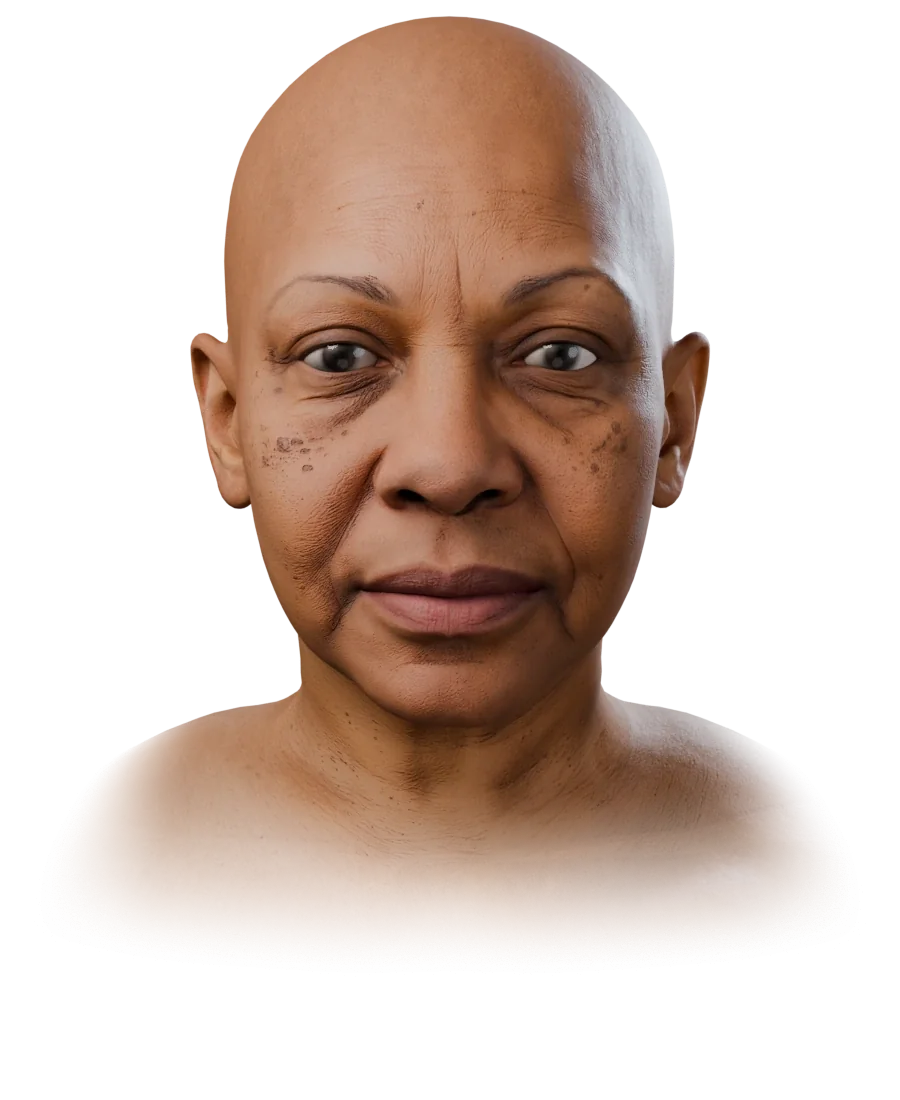
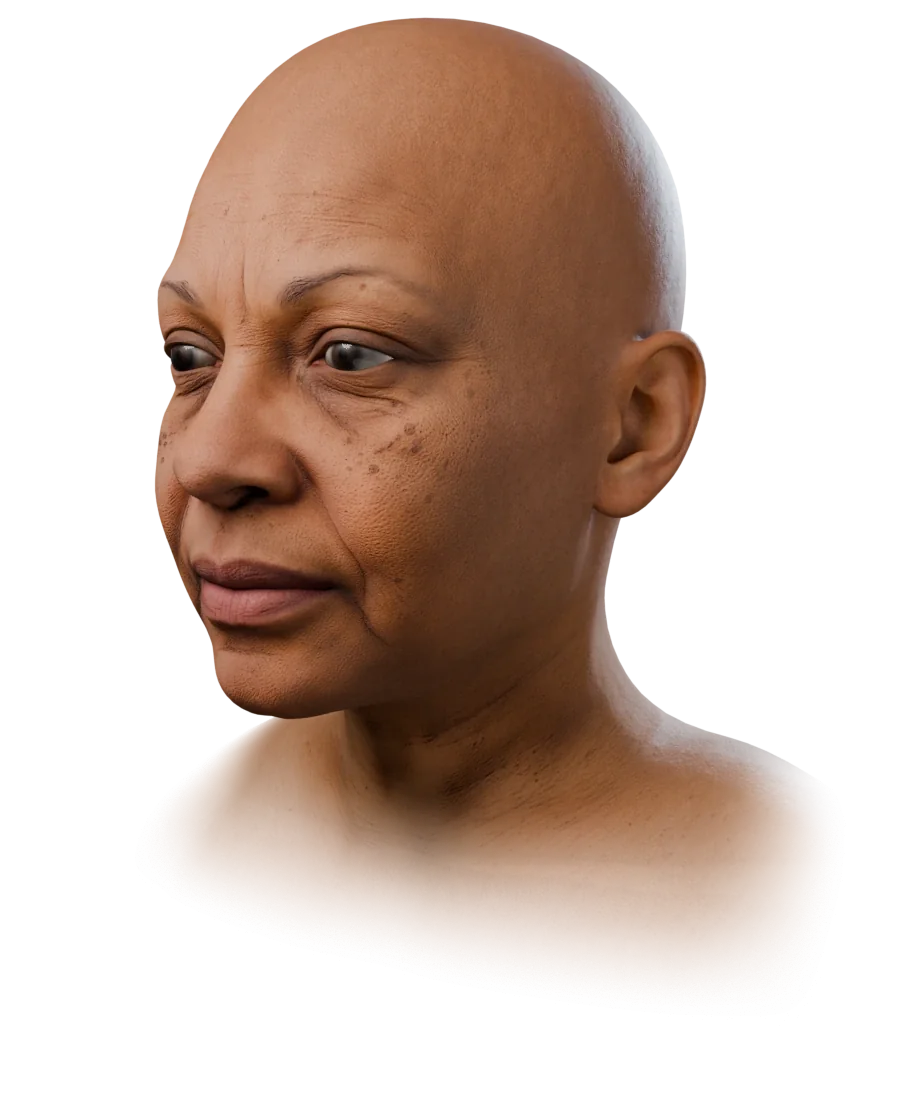
Sample S-07, a synthetic person: the photo on the left of the line, the head FaceNinja made from it on the right. Drag the line.
What comes back from one photo
- The face, in MetaHuman topology. Head, neck and shoulders with eyes and teeth, in MetaHuman's vertex order and UVs, so MetaHuman Creator conforms to it without moving a vertex.
- The person's own skin. Four 4K maps in MetaHuman's UV layout:
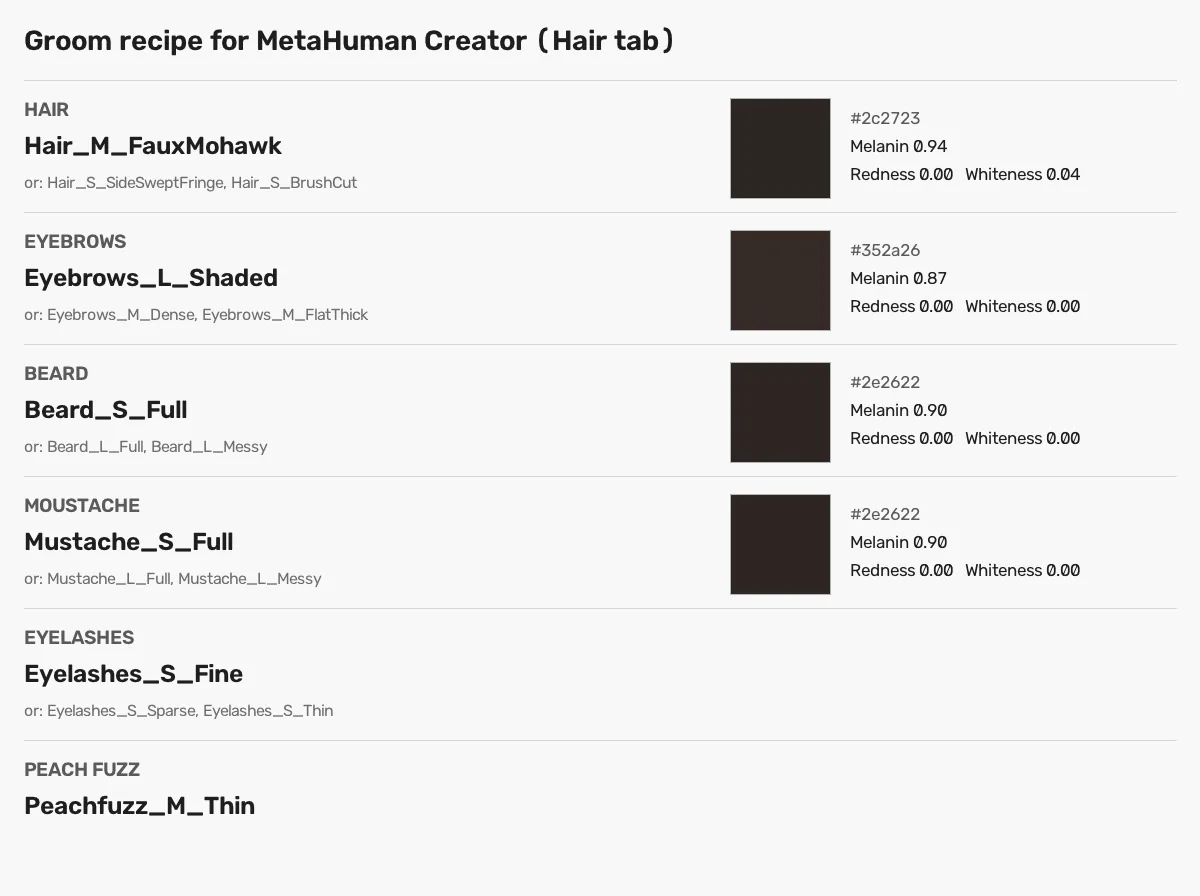
Head_Color,Head_Normal,Head_CavityandHead_SRMF. Freckles, moles and wrinkle relief stay. - A groom recipe. The MetaHuman hair, brow, lash, moustache and beard grooms to pick, with their Melanin, Redness and Whiteness values, in
groom.mdandgroom.json. - A neck that fits. The neck and trapezius follow the person, so a MetaHuman body joins the head without a step at the collar.
- 52 ARKit shapes. In the GLB and FBX, made for this face,
tongueOutincluded, for face tracking and lip sync outside MetaHuman Creator. - Six formats. MetaHuman ZIP, GLB, FBX, OBJ, STL and PLY, downloaded as often as you need.
Start it from the browser, your AI agent or your code
In the browser
Sign in with Google or your e-mail, upload the photos in the web app, and download the MetaHuman ZIP when the head is ready.
With your AI agent
Paste one prompt into Claude Code, Codex, Cursor, Gemini CLI or OpenClaw. You approve a code in your browser; the agent makes the head and saves the files.
From your code
POST /v1/headswith the photos. Your webhook hearshead.completed; ask for themetahuman_zipfile and download it from a signed link.
Into MetaHuman Creator in five steps
In Unreal Engine 5.6 or later, MetaHuman Creator runs inside the editor. The ZIP's own README lists the same steps.
Import
head.fbxUnzip the download and import
head.fbxwithout auto-generated collision and without combining meshes, so the vertex order stays as it is.Conform
Create a MetaHuman Character asset and conform it to the imported head. The topology already matches, so every vertex stays where it is.
Override the skin
Turn Texture Override on and set the face's base colour, normal and cavity to
Head_Color,Head_NormalandHead_Cavity. Without the override, MetaHuman picks one of its library skins and the person's own skin is lost.Pick the grooms
Open the Hair tab, choose the grooms that
groom.mdnames, and type in their colour values.Choose a body
The neck is the person's, down to the shoulders. Pick a body whose neck width matches, so the seam does not pinch.
One sharp photo is enough
A clear, front-facing photo in colour builds a head. A profile and a three-quarter view of the same person help, up to 15 photos. The expression does not matter: the head comes out relaxed, with the mouth closed and the eyes open.
What a head leaves out, on purpose
- Ears are not read from the photo, so they are not the person's own.
- Hair is a groom, not part of the mesh. The head is bald by design; the recipe names the grooms, and the 3D preview shows an approximation.
- Time: usually 10–20 minutes, because each head is built carefully.
- Size: life size, at an average adult head's size. The
measureddownload option scales the head to an estimate of the person's size. - Consent: only photos of yourself, or of an adult who agreed. No children, and no photos found online.
Look at 20 sample heads before you make your own
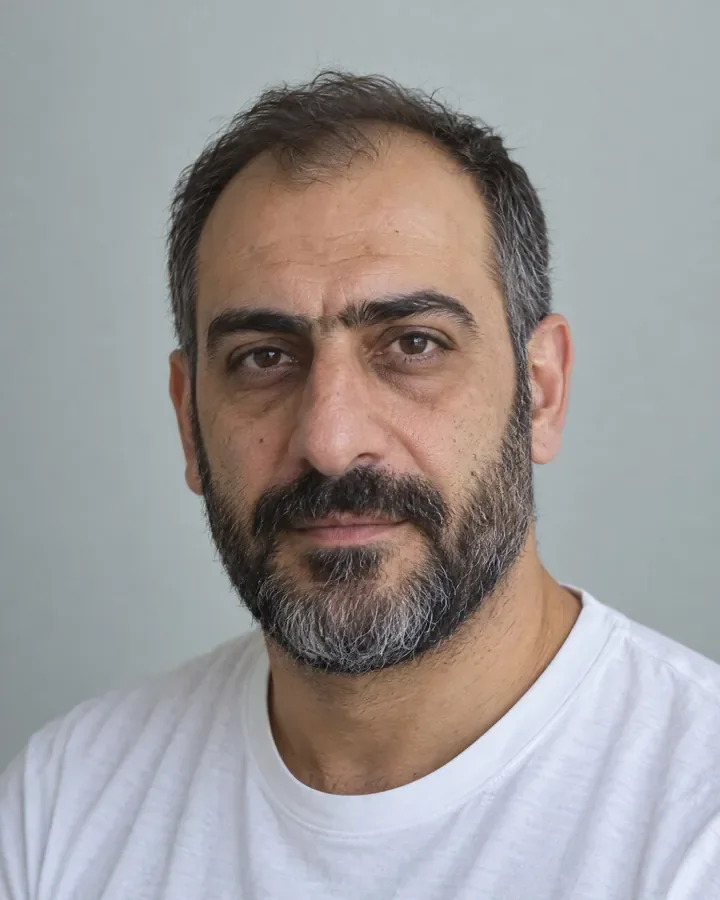
Each sample is exactly as FaceNinja made it from one photo of a synthetic person, with the same files your head will have.
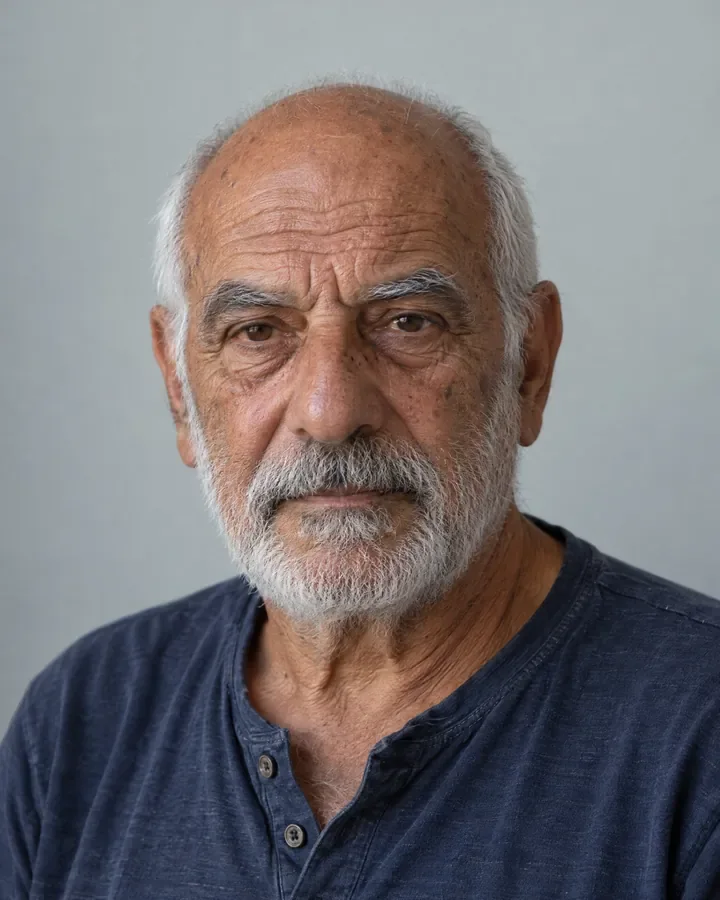
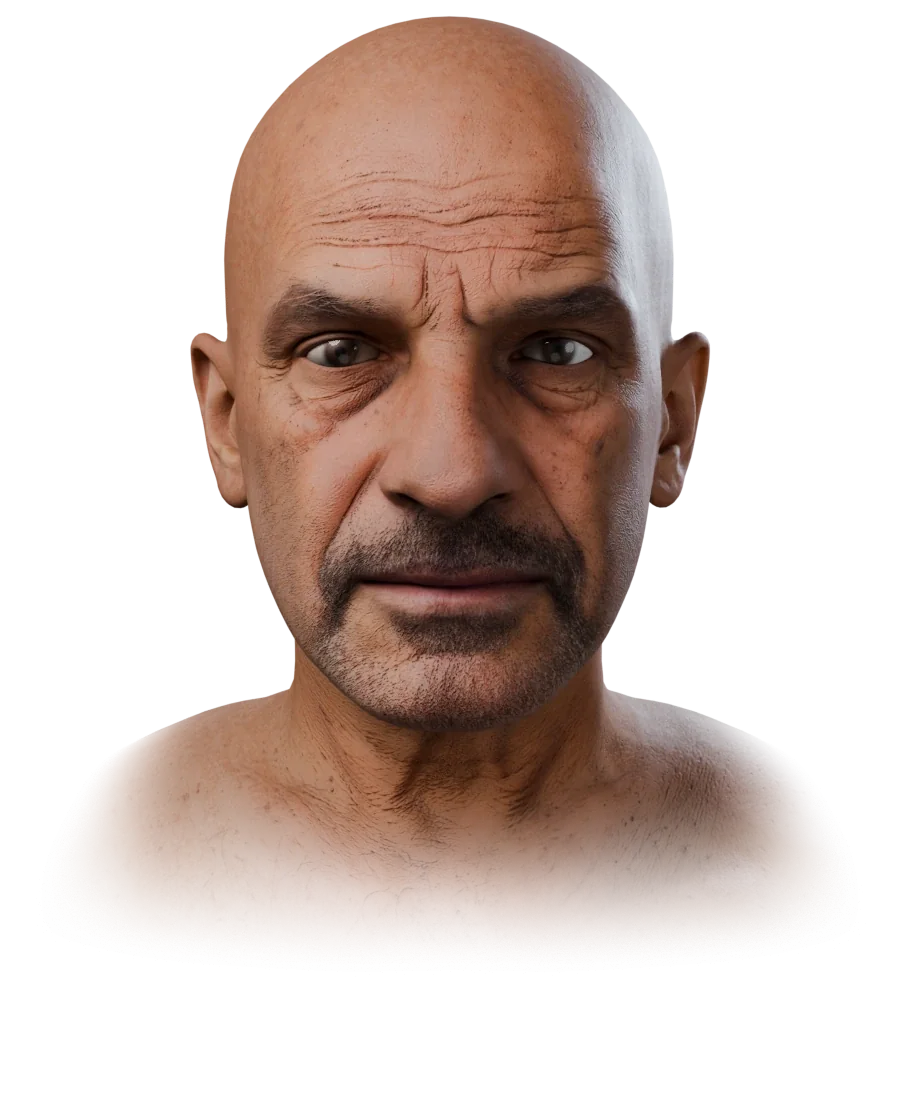
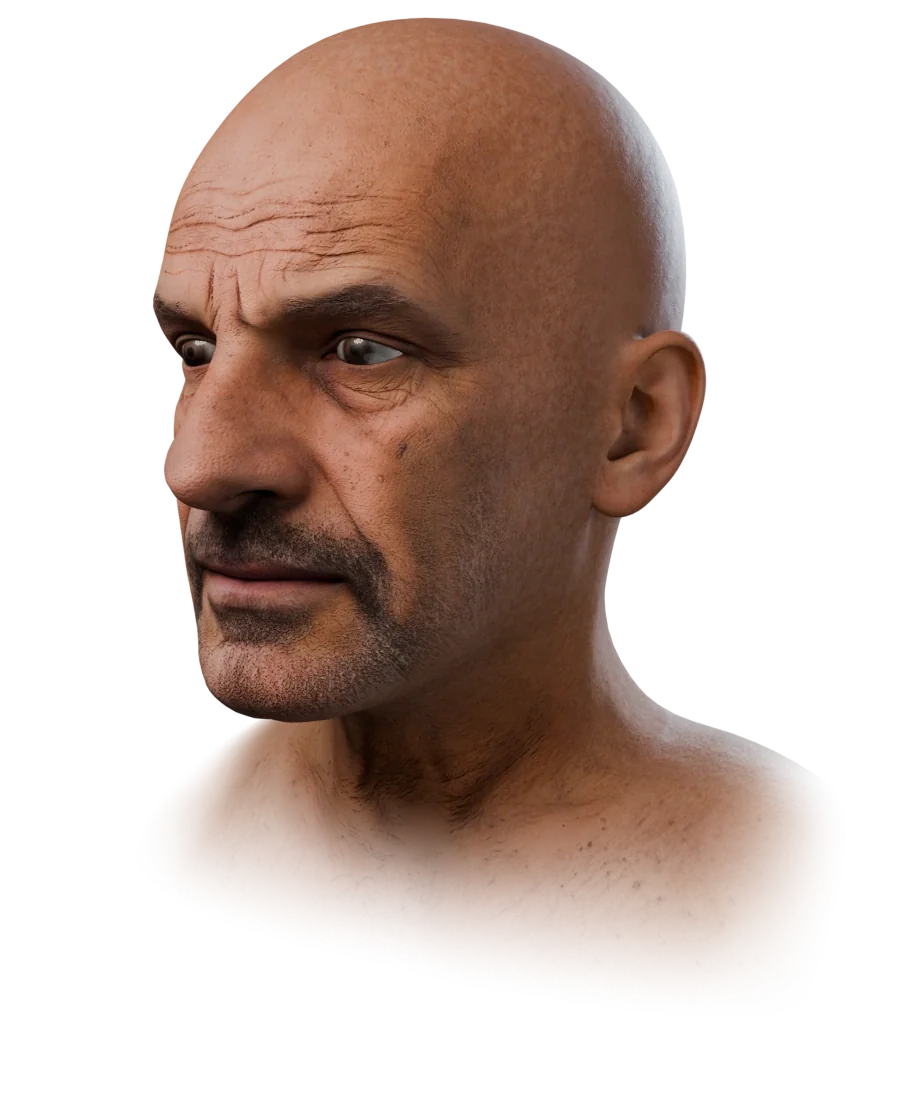
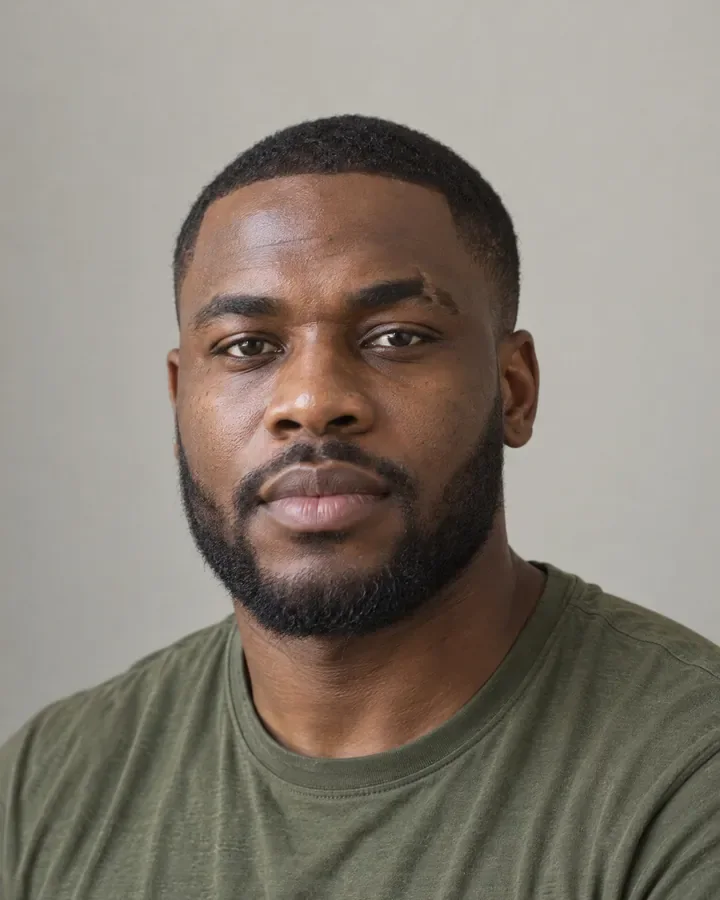
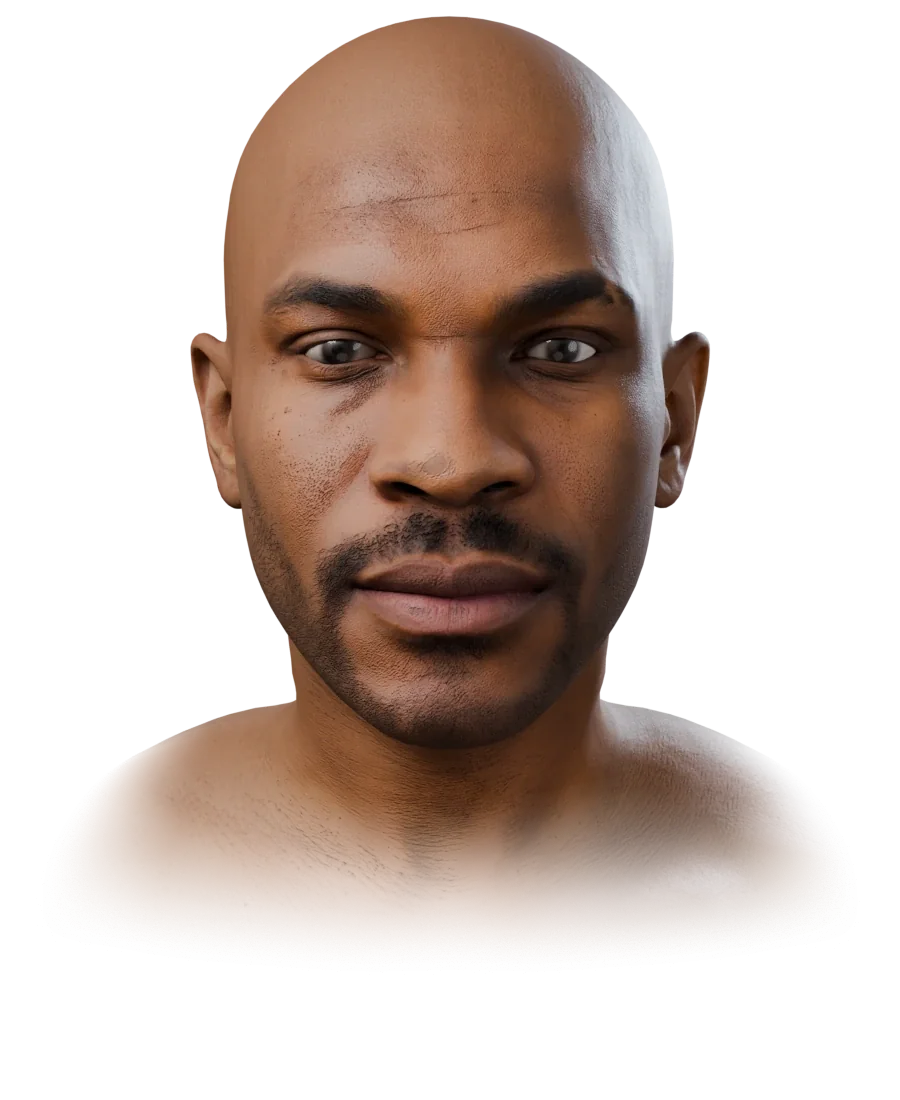
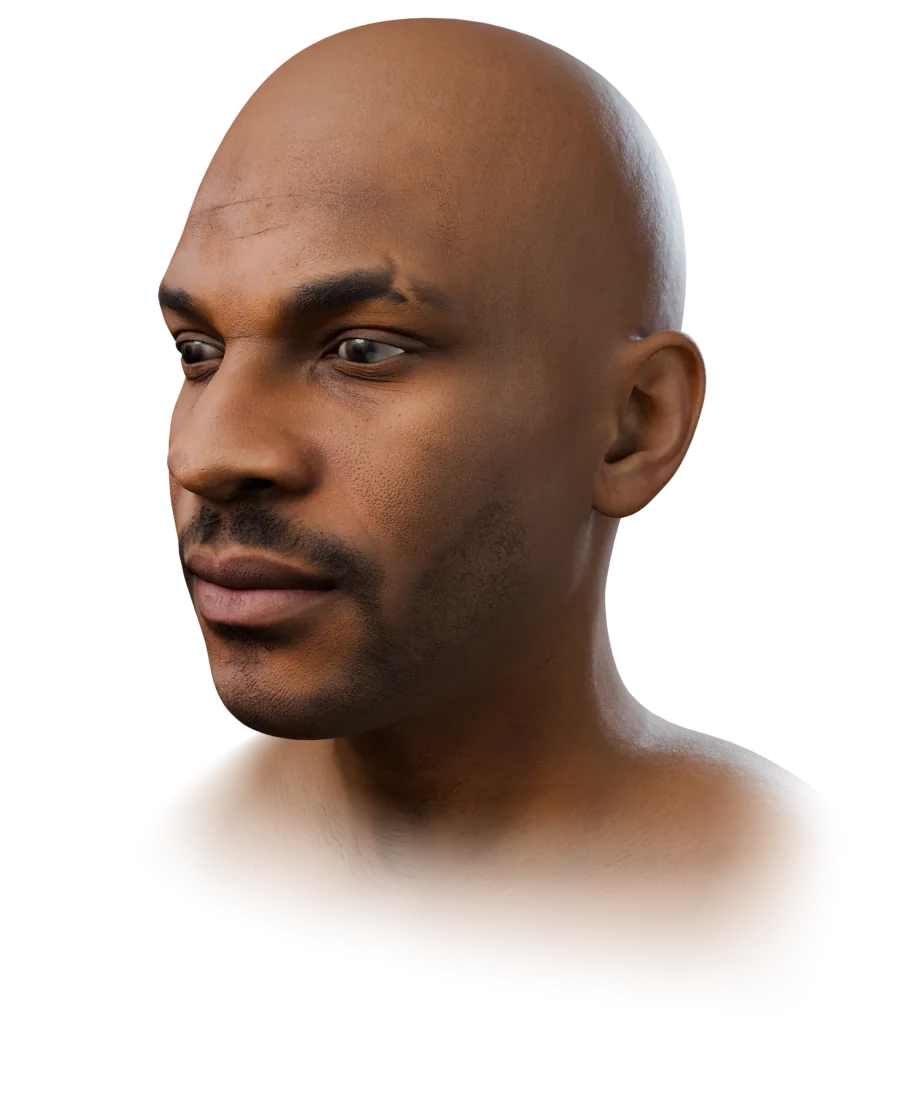
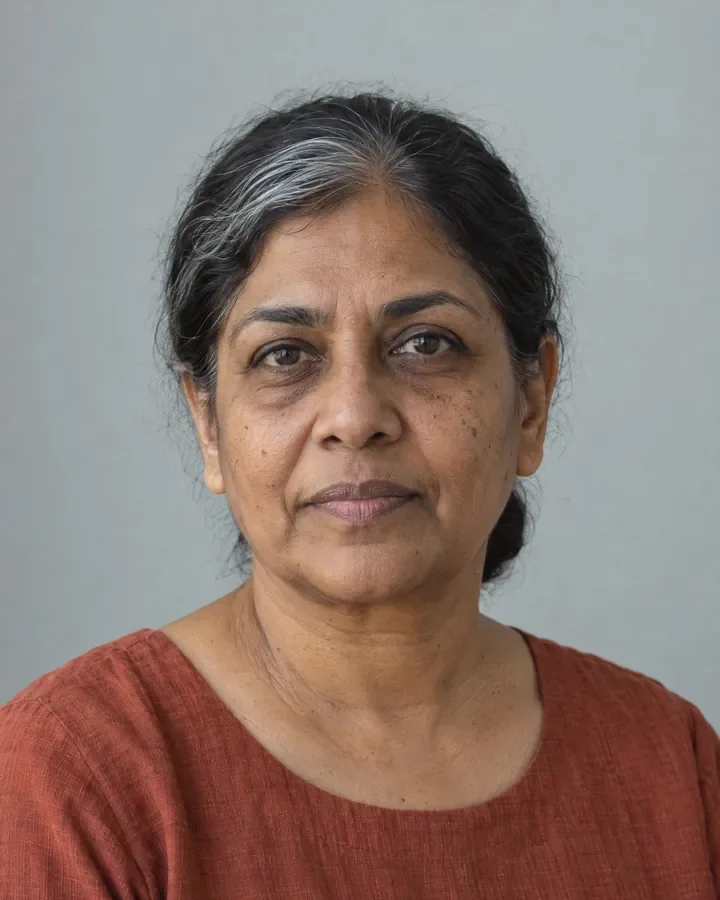
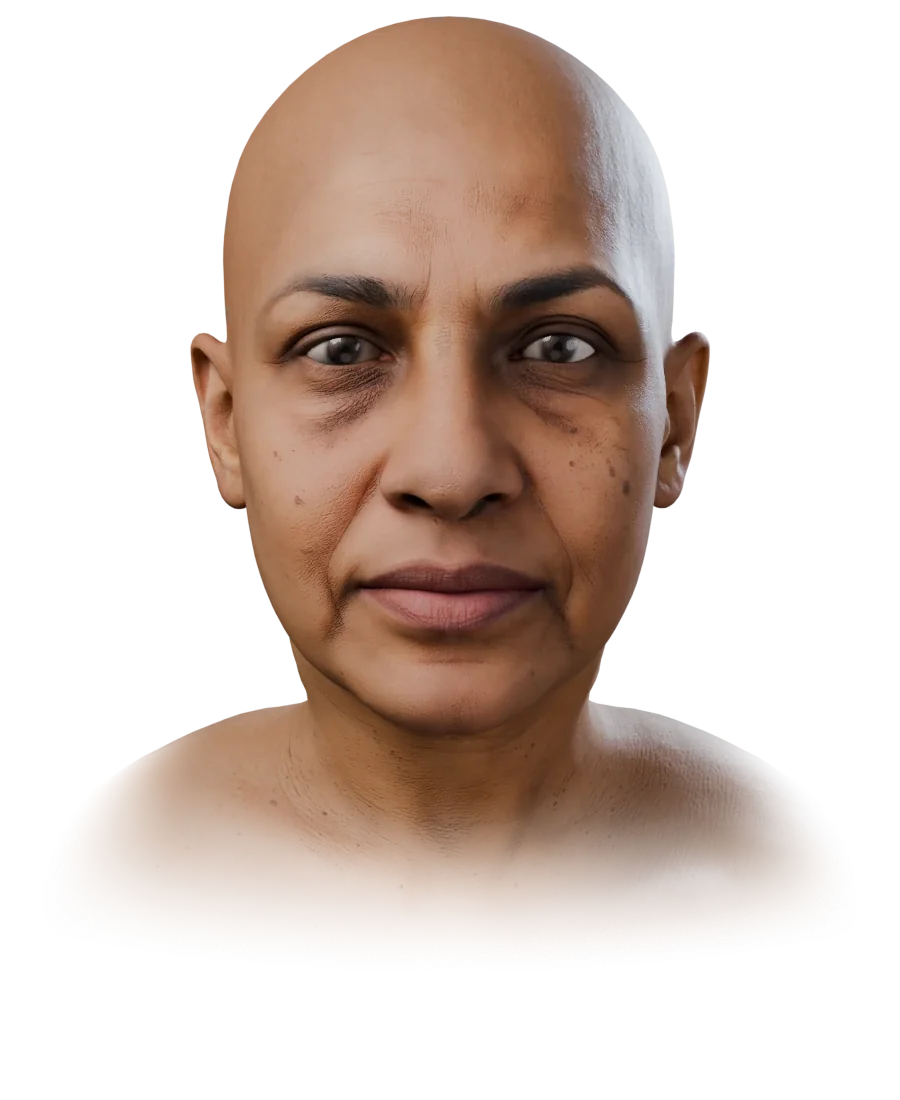
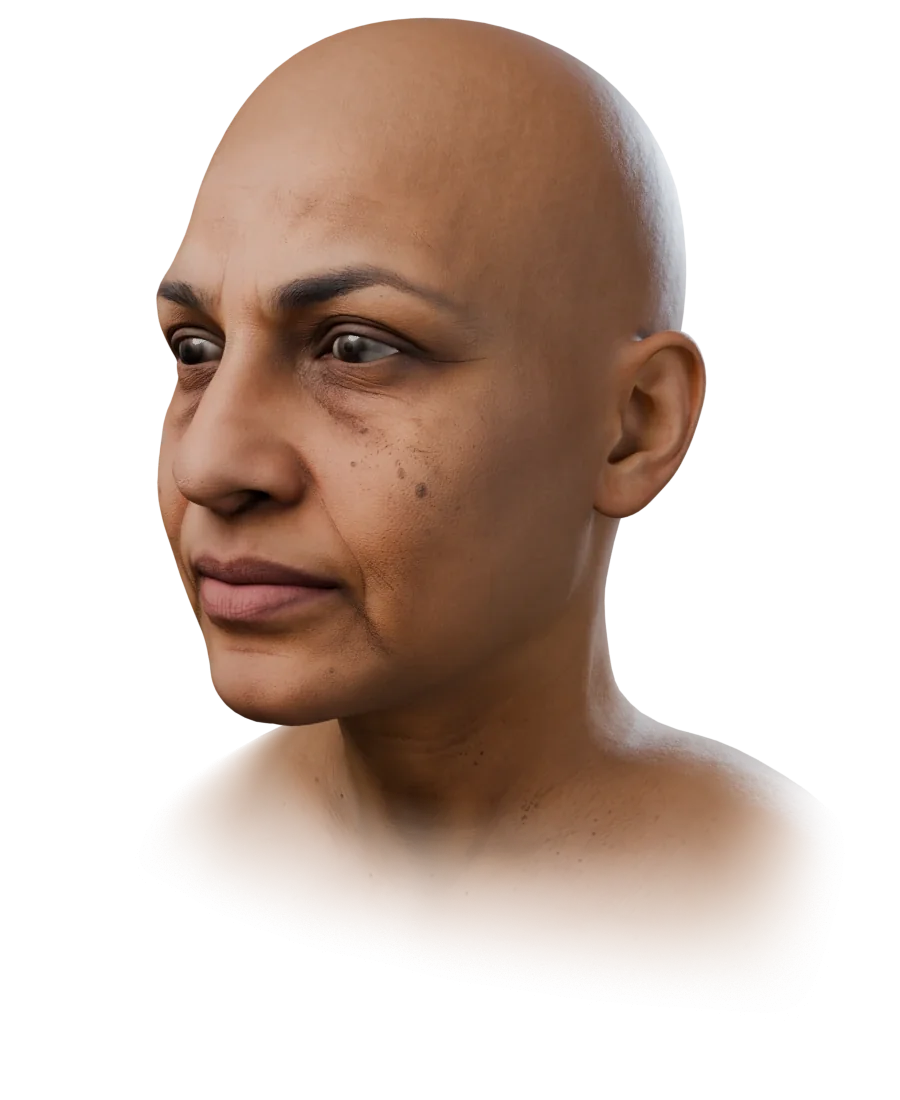
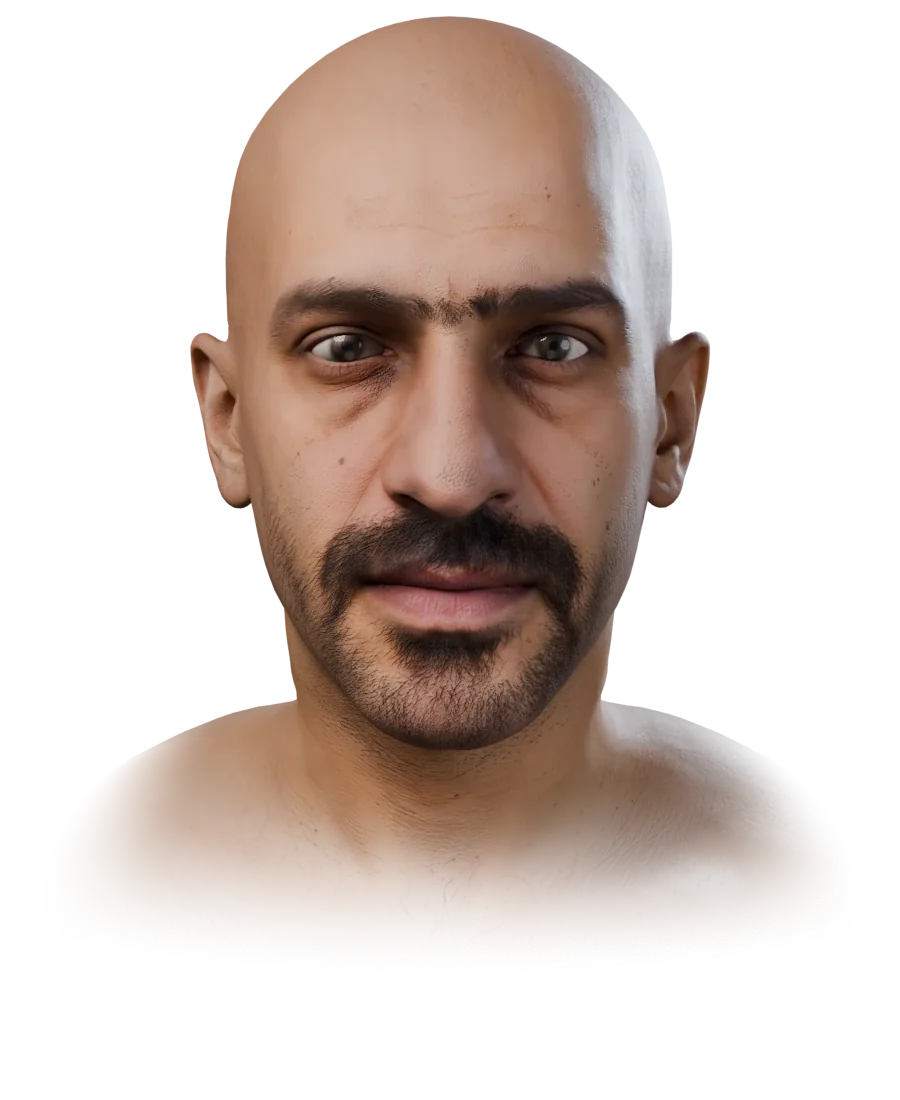
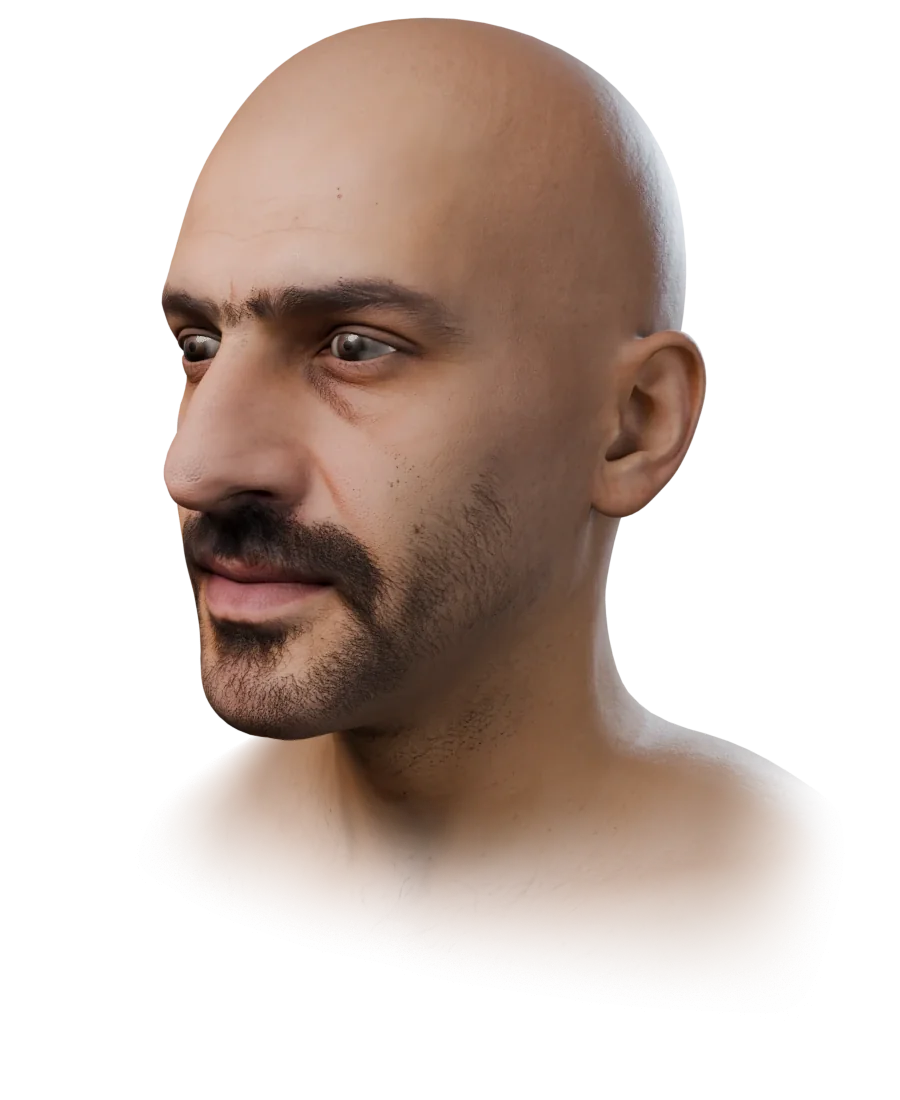
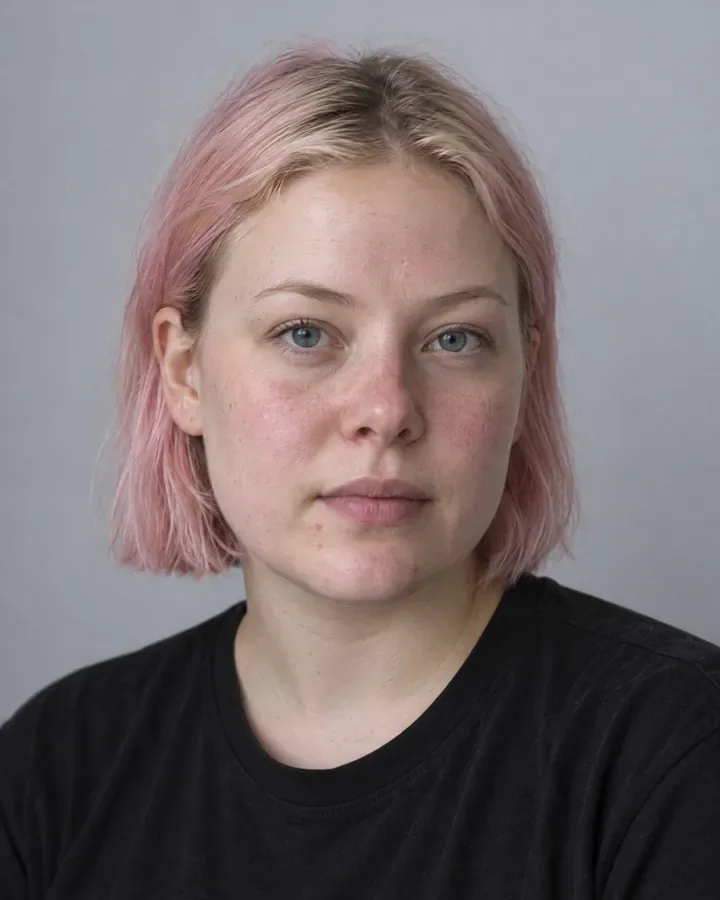
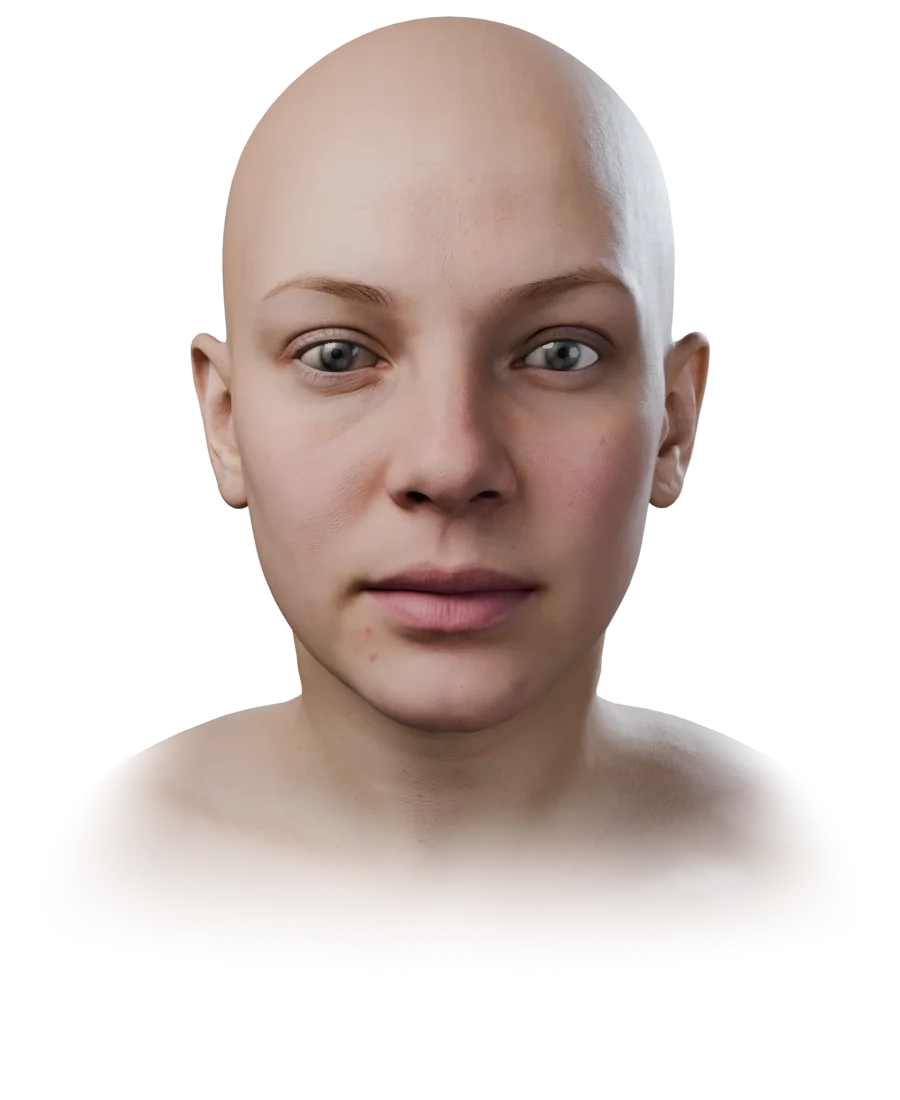
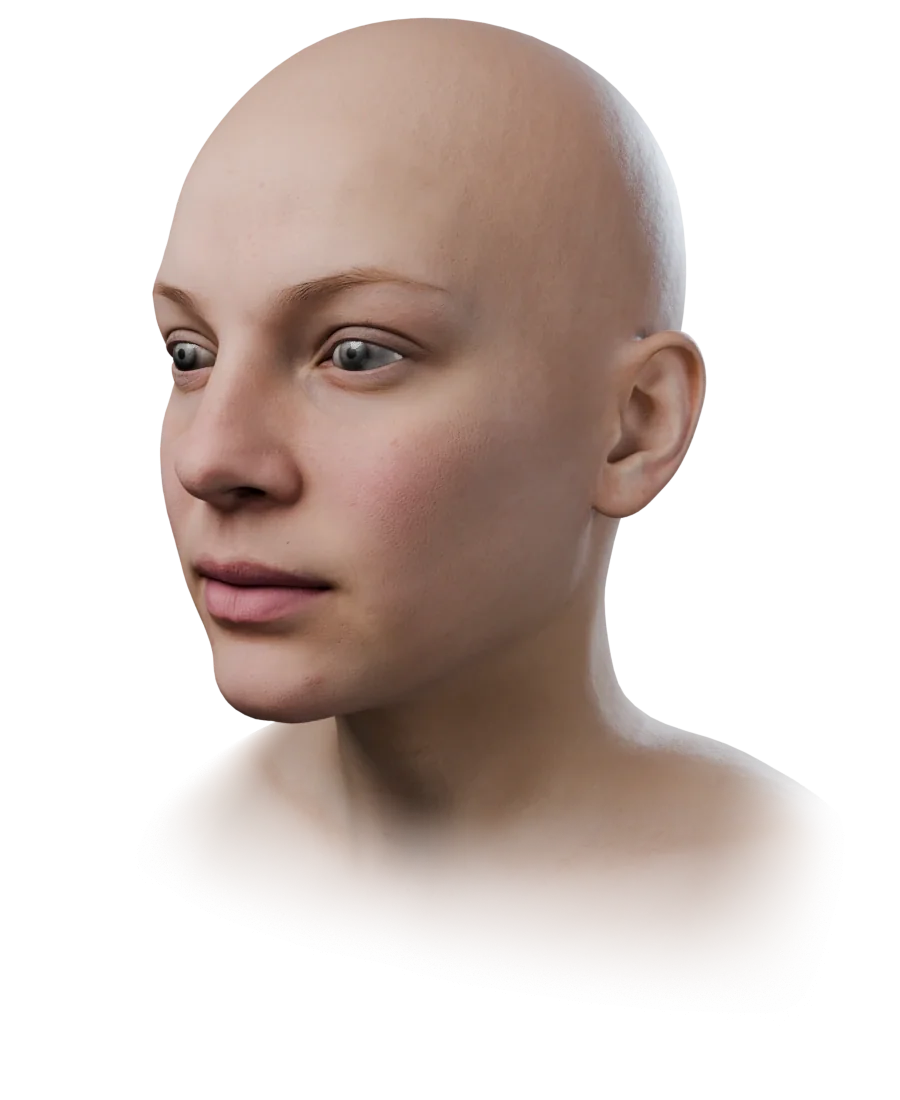
Free Sign up free and download 20 high-quality MetaHuman sample heads: 4K skin, 52 ARKit shapes, GLB/FBX/MetaHuman ZIP.
No card needed. Free for personal and commercial use, games and videos included; not for resale or redistribution as they are. The people are fictional. Sample licence
Questions about photo to MetaHuman
- 01Can you make a MetaHuman from a photo?
- Yes. FaceNinja turns a photo into a head on MetaHuman topology with the person's skin, and MetaHuman Creator conforms to it in Unreal Engine 5.6 or later. Epic's own tools start from a head mesh or from video footage, not from a single photo (Epic: Mesh to MetaHuman).
- 02Does it work from one photo?
- Yes. One sharp, front-facing photo is enough. Up to 15 photos of the same person help, especially a profile and a three-quarter view.
- 03Is it free?
- Signing up is free, and so is downloading the 20 sample heads, so you can try your pipeline first. A head from your own photos will cost 1,500 credits when paid plans open, soon.
- 04Is the result a real MetaHuman?
- The download is a head mesh in MetaHuman topology with its skin and groom recipe. It becomes a full MetaHuman, rigged, with eyes, teeth and grooms, when you conform it in MetaHuman Creator, and that MetaHuman then comes under Epic's licence.
- 05Does it include hair?
- Not in the mesh. MetaHuman hair, brows and beards are grooms: the recipe names the ones to pick and their colours, and the 3D preview shows an approximation.
- 06Can I use someone else's photo?
- Only an adult's, and only with their consent; you confirm it before your first head. We don't make heads of children or from photos found online. Content and Likeness Policy
Make a MetaHuman from your own photo.
Sign up free, download the sample heads, and make heads from your own photos when paid plans open.